
Fast TV Browserfor couch-speed web.
A browser interface tuned for the room: readable from the sofa, quick with a remote, and clean enough to disappear when the page matters.
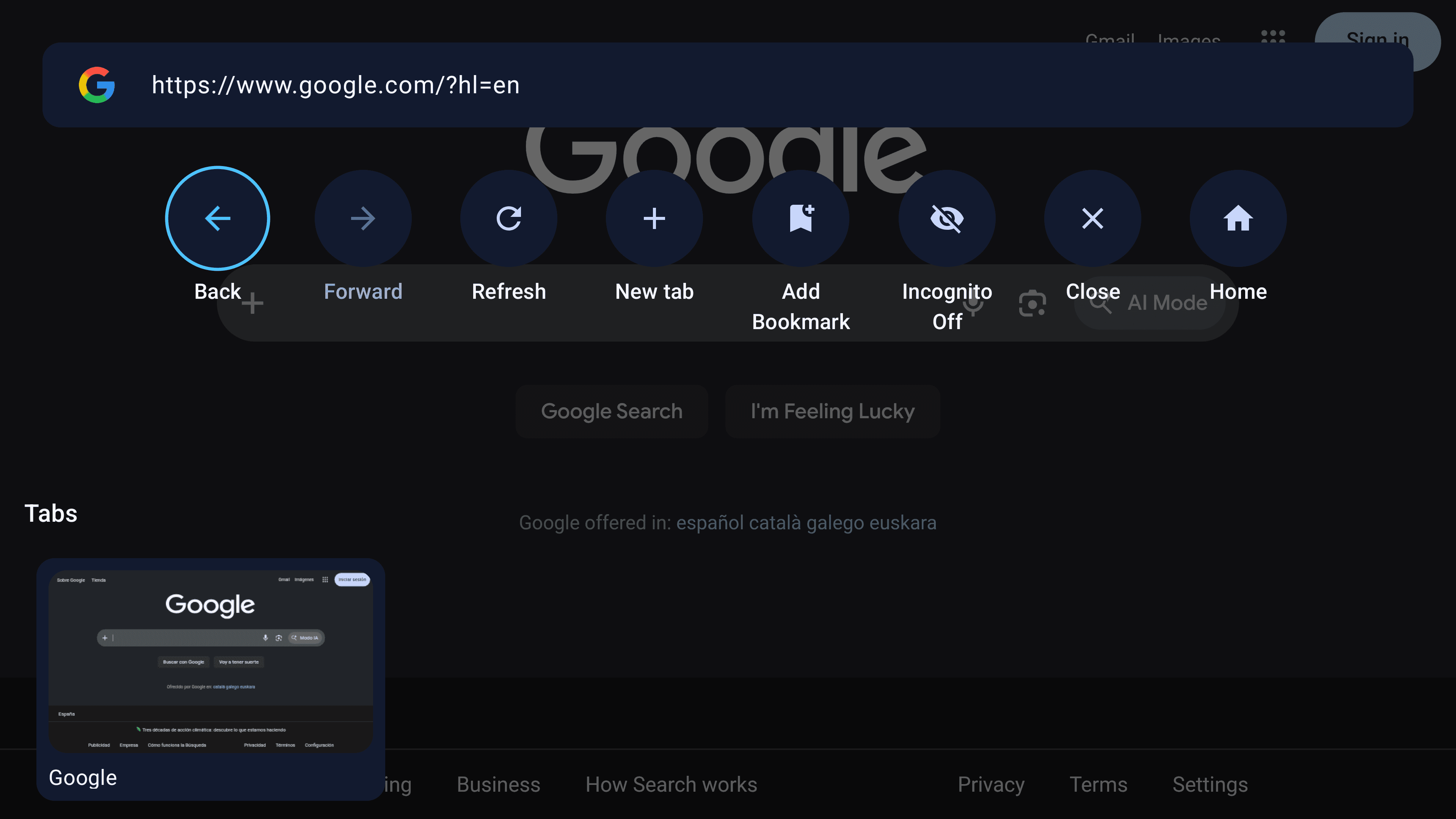
Remote search
Overlay controls
Features
Everything needed for TV browsing, without clutter
Fast TV Browser keeps the essentials close: fast pages, remote-friendly navigation, bookmarks, downloads, IPTV and privacy controls.
Built for Android TV
Designed for large screens, clear layouts and comfortable remote control navigation.
Fast Web Browsing
Open websites quickly and browse in a clean full-screen interface made for your TV.
Remote-Friendly Controls
Search, go back, refresh, open bookmarks and manage pages with simple TV controls.
Bookmarks & History
Save favorite websites and quickly return to recently visited pages.
Downloads
Manage downloaded files directly from your TV browser.
IPTV Support
Open IPTV streams and enjoy media content directly on your Android TV.
Ad Blocking
Reduce visual noise and enjoy a cleaner browsing experience.
Tracking Protection
Limit unwanted tracking and browse with more control.
Private Browsing
Open private sessions when you want a more separated browsing experience.
Product preview
Browse the interface before it hits the TV
Explore the Android TV interface, from quick website access to browser controls and privacy settings.
Browser Overlay
Access search, navigation, bookmarks and controls without leaving the current page.
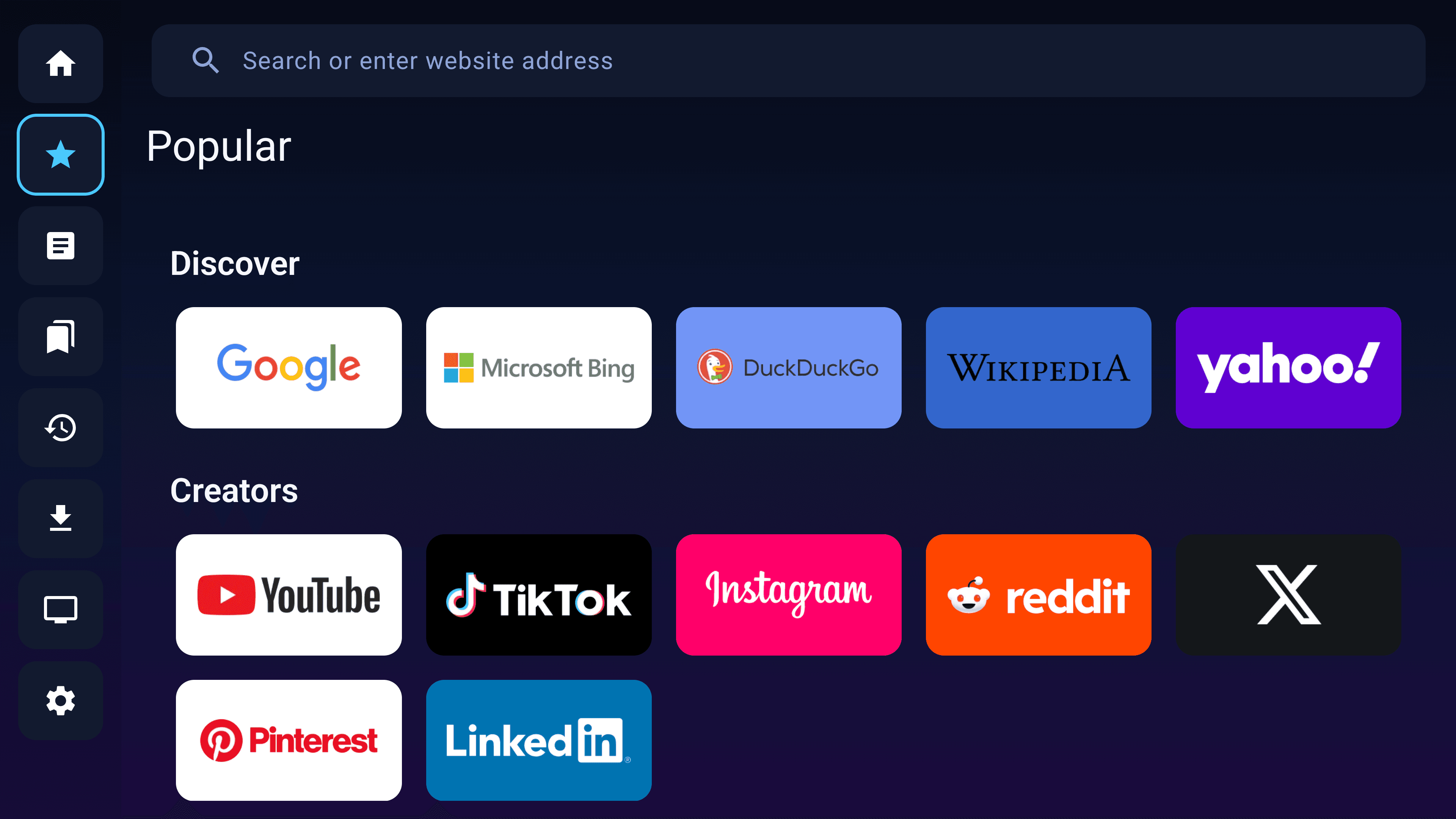
Popular Websites
Open popular websites quickly with a clean TV-friendly browsing interface.
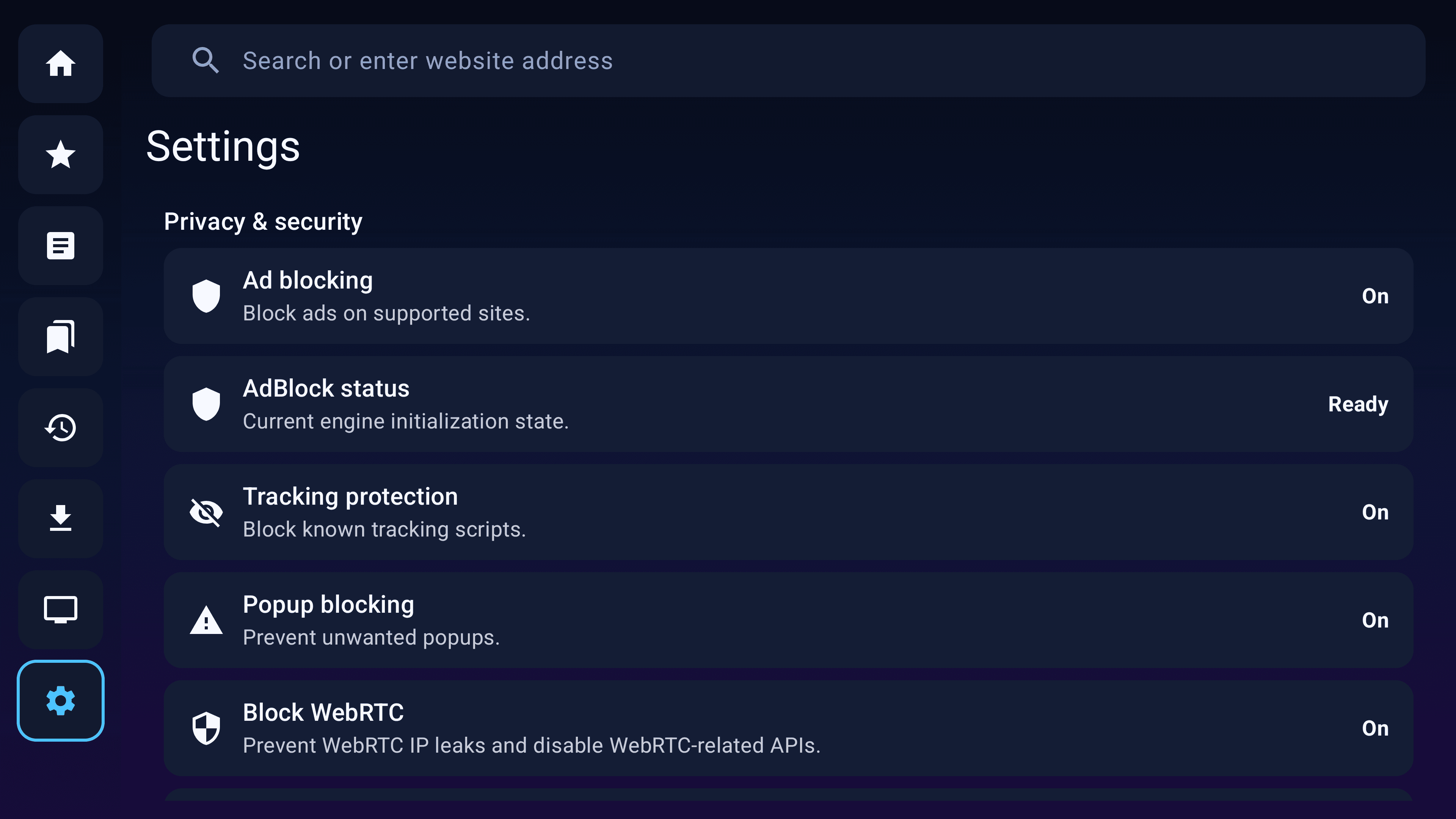
Privacy & Settings
Manage privacy tools, browser behavior and browsing preferences in one place.
Big screen experience
Designed to be readable from the sofa
Large touch targets, clear layouts and full-screen browsing keep the experience comfortable on Android TV.
Popular Websites
A TV-friendly start screen keeps quick access websites large, clear and easy to open.
Large readable interface
Easy remote navigation
Full-screen browsing experience
Privacy and control
Browse with more control
Block ads, reduce tracking, manage popups and open private sessions when you want a cleaner browsing experience.
Privacy & Settings
Settings are grouped in one place so privacy tools and browser behavior are easier to manage from the couch.
Ad Blocking
Reduce distracting ads for cleaner pages on your TV.
Tracking Protection
Limit unwanted tracking while you browse.
Popup Blocking
Keep intrusive popups out of the big-screen flow.
Private Browsing
Open a separated session when you want more privacy.
Browser tools
The browser tools stay simple and familiar
Access bookmarks, history, downloads, IPTV, search and privacy tools from a clean interface built for Android TV.
Navigation
Library
Media
Privacy
Contact
Have feedback or questions?
Send us your thoughts, questions or feature requests. Your feedback helps improve Fast TV Browser.